The $2,700 Question: Decoding the Zenbook Duo’s New Panther Lake Architecture.
Mobile professionals have spent the last decade trapped in a frustrating compromise. You buy a sleek, single-screen ultraportable like the MacBook Air to save your spine, accepting that your productivity will bottleneck the moment you open more than three windows. Alternatively, you anchor yourself to a bulky home desktop setup with multiple monitors. The 2026 Asus Zenbook Duo (UX8407) completely shatters that forced choice. This device transcends the dual-screen novelty phase to deliver a genuine workstation replacement. It combines the portability of a light notebook, the sheer power of a high-end pro machine, and the sprawling screen real estate of a corner office setup into one 1.65kg slab of futuristic aluminum.
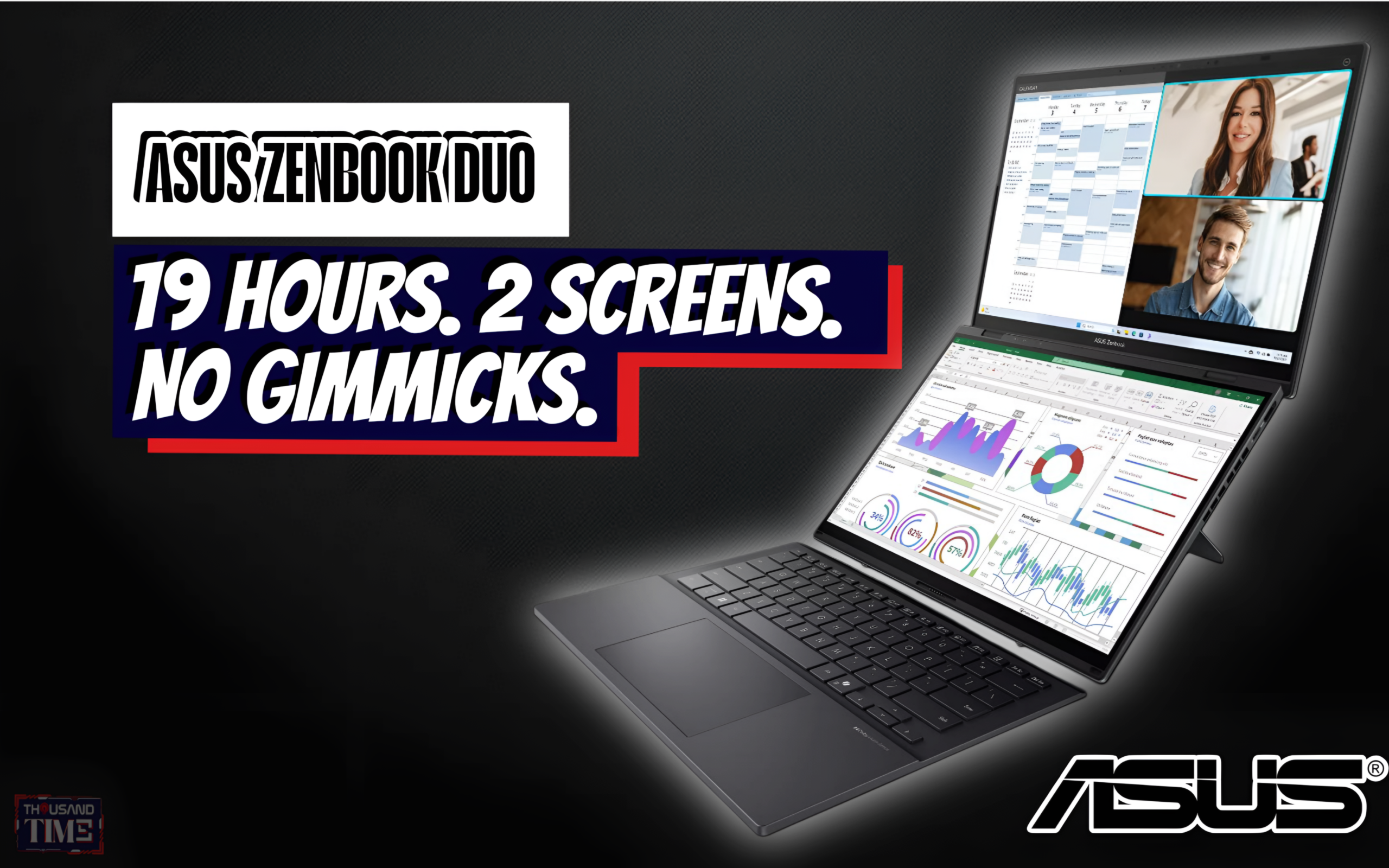
Asus has experimented with dual screens for years, often demanding a sacrifice in battery life, performance, or basic ergonomics to achieve the futuristic look. The 2026 Zenbook Duo finally eliminates those compromises entirely. Powered by the highly anticipated Intel Panther Lake architecture, specifically the Core Ultra X9, this machine runs with frightening efficiency. Asus managed to cram a massive 99Wh battery into the chassis, pushing right up against the legal limit for commercial air travel. That internal power plant gives the Duo the endurance to run two stunning 3K OLED screens simultaneously for a full 12-hour workday.
You can comfortably leave your charger at home. This leap in battery technology effectively represents the death of the secondary portable monitor industry. Carrying a fragile external screen and a nest of tangled cables used to be a necessary burden for digital nomads. The Duo integrates that exact multi-screen workflow into a single, cohesive device. It stands as a direct and aggressive challenge to the MacBook Pro’s long-held efficiency crown. The era of tethering yourself to a wall outlet just to use two screens has concluded.
An iGPU That Actually Bites Back
Intel Arc B390 iGPU fundamentally redefines our expectations for integrated graphics. Integrated chips historically handled spreadsheets, lightweight web browsing, and simple photo cropping. The B390 changes the rules of engagement for mobile computing. This silicon routinely hits a stable 60+ FPS in Cyberpunk 2077 at 1080p natively, handling complex lighting and dense environments effortlessly.
It genuinely rivals a dedicated Nvidia RTX 4050 or even a 5050 in synthetic benchmarks, while drawing roughly half the power. Video editors will find this performance particularly liberating when scrubbing through massive 4K timelines on battery power. You get discrete GPU performance without the heavy power brick or the jet-engine fan noise typically associated with gaming laptops. Intel has finally delivered a chip that lets creative professionals do real, heavy-lifting work from an airplane tray table.
The “Same-Plane” Hinge and Nomad Workflow
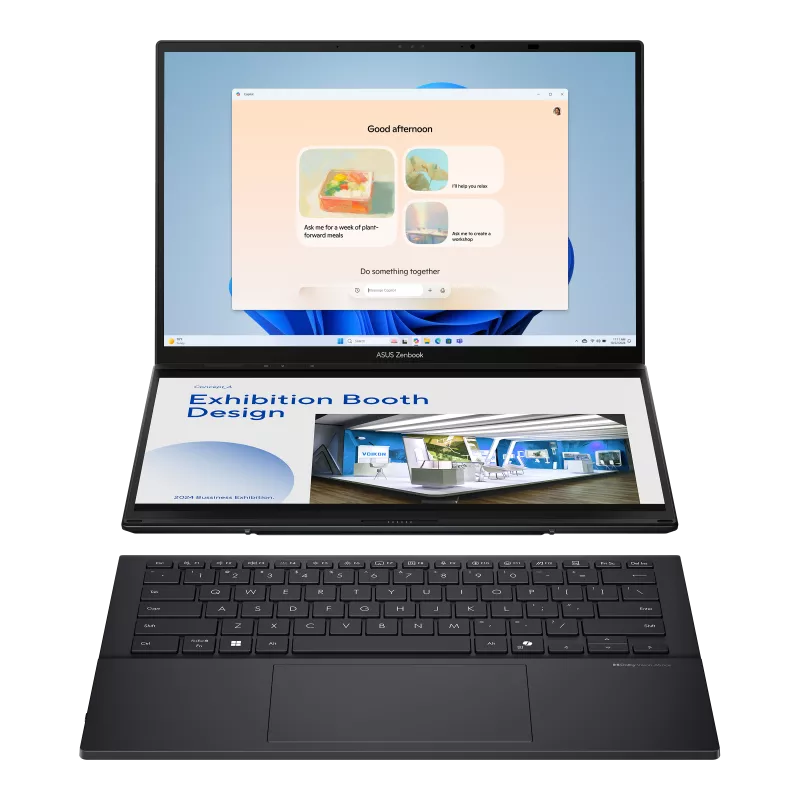
The physical hardware engineering on display here feels distinctly next-generation. If you remember the 2024 model, it suffered from a noticeable “staircase” gap between the two displays when fully unfolded. The 2026 Zenbook Duo introduces a “Same-Plane” hinge that creates a virtually seamless visual canvas across both screens. This mechanical marvel is effectively the “Galaxy Z Fold” moment for the laptop industry. The visual continuity completely transforms how you interact with your operating system and your applications.
This seamless design truly shines in “Desktop Mode,” where the dual screens stack vertically using the built-in kickstand. Setting this up at a local coffee shop delivers the ultimate Starbucks flex. You can run a sprawling, vertical IDE for complex coding projects on the top screen while keeping documentation and preview windows neatly organized on the bottom. Premiere Pro users can stretch their timeline across both displays while maintaining a massive preview window for color grading. You get the minimal footprint of a standard 14-inch laptop alongside the sprawling productivity of a dual-monitor studio setup.
The Reality Check: Is It Worth $2,700?
Innovation commands a premium, and the internet certainly noticed the cost of entry. The UX8407 launched into a firestorm of Reddit and X discourse over its $2,700 starting price. Sticker shock is a completely natural reaction to a number that high. The conversation shifts dramatically when you actually break down the cost of replicating this exact dual-screen setup with competing hardware.
Consider the alternative path for a mobile power user. You would need to purchase a base MacBook Pro 14, a high-end 3K OLED portable monitor, a premium protective stand, and a separate mechanical keyboard. That makeshift bundle easily eclipses the $3,000 mark and requires a dedicated tech backpack just to haul around your local city. The Zenbook Duo integrates all those separate components into one sleek package that slips effortlessly into a standard messenger bag. For serious power users and relentless travelers, this hefty price tag actually reveals itself as a highly calculated value play.
Thousandtime Thoughts
The 2026 Asus Zenbook Duo UX8407 feels less like a laptop update and more like a permanent paradigm shift. We have spent decades accepting the physical limitations of the clamshell form factor, buying endless accessories to patch the holes in our mobile workflows. Asus took the bold route by engineering those clunky accessories out of existence entirely. The combination of Intel’s shockingly capable Panther Lake architecture and that flawless Same-Plane hinge makes this the first dual-screen device that demands zero apologies from the user. The $2,700 asking price will naturally filter out casual buyers looking for a simple web-browsing machine. Still, for software developers, video editors, and dedicated digital nomads, this single 1.65kg machine easily replaces thousands of dollars of peripheral office gear. The era of compromising on screen space just because you left the house is officially over.
PRODUCT IN THIS POST