Breaking down the law of diminishing returns in gaming tech, the hype behind 8K polling rates, and whether upgrading your hardware actually translates to more headshots.
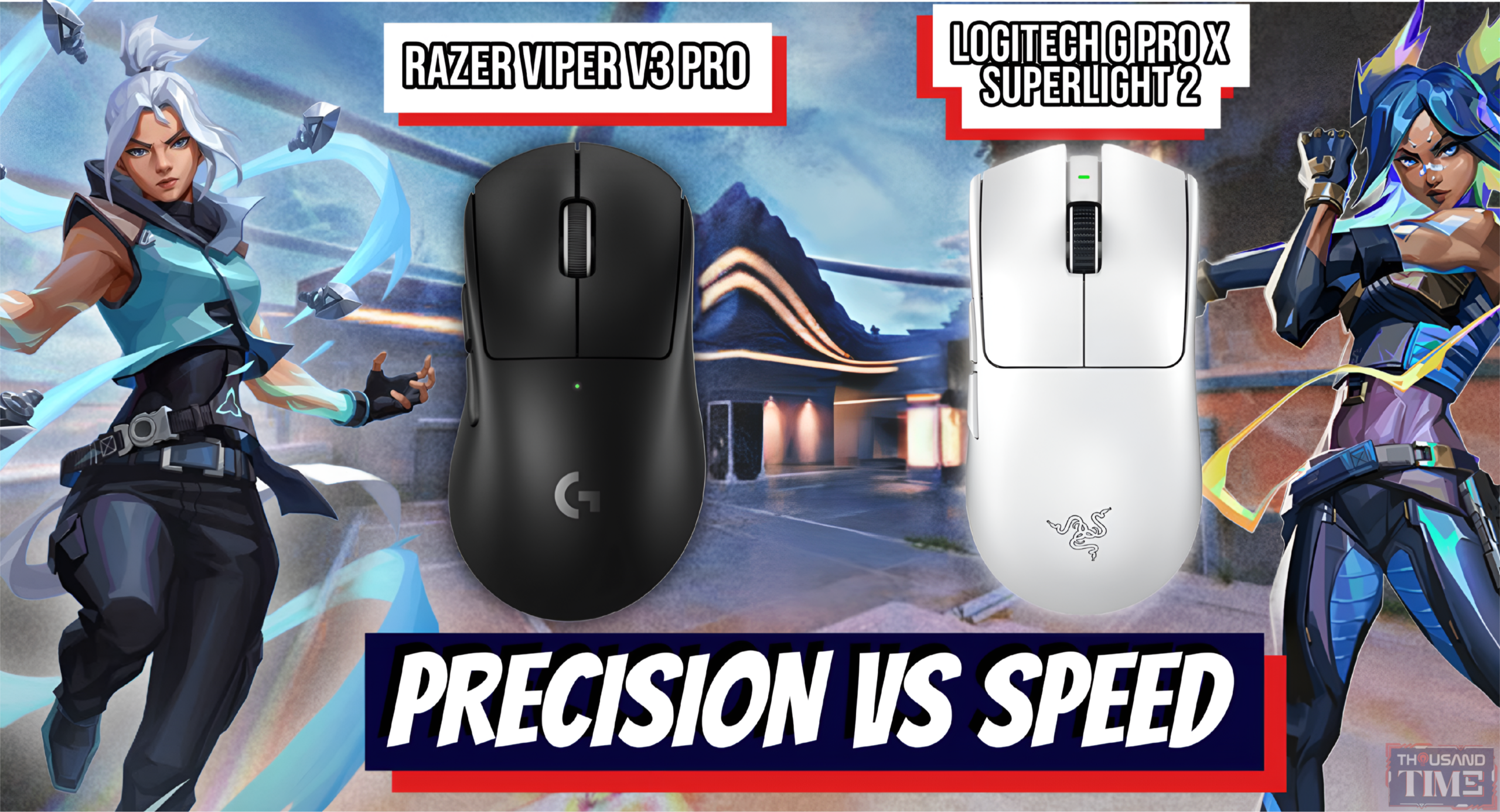
Every time you load up a Twitch stream or wade into the trenches of Reddit’s r/MouseReview, someone is arguing about the ultimate “endgame” mouse. It is a mythical piece of plastic that will supposedly fix your aim, cure your ranked anxiety, and propel you to the top of the leaderboards. Enter the heavyweights: the Razer Viper V3 Pro and the Logitech G Pro X Superlight 2.
Both command premium, investment-level price tags north of $150. Both are wielded by the most terrifyingly accurate teenagers on the planet.
But instead of simply declaring a winner between the two, we need to ask a better question. Why do these mice cost so much? And more importantly, does the average gamer actually need to drop that kind of cash to climb the competitive ladder, or is it all just brilliant marketing?
The Specs Arms Race: What Do These Numbers Actually Mean?
If you read the marketing materials for these mice, you might assume you are buying components for a fighter jet. Razer boasts its Focus Pro 35K Gen-2 sensor, while Logitech counters with the HERO 2. In accessible terms, both of these sensors are functionally flawless. They track movements at speeds and accelerations that the human hand simply cannot physically exceed without tearing a rotator cuff. But the real battleground in 2026 is the polling rate debate.
A standard gaming mouse reports its position to your PC 1,000 times a second (1,000 Hz). The Viper V3 Pro and the updated Superlight 2 push that boundary to 4,000 or even 8,000 times a second. This matters because higher polling rates theoretically mean smoother tracking and marginally lower click latency. When you are making micro-adjustments in Valorant or Counter-Strike 2, a mouse updating 8,000 times a second ensures your crosshair is exactly where your hand intends it to be, exactly when you pull the trigger. It is the pursuit of absolute zero delay. But as we will explore shortly, having the fastest car on the track does not mean much if you are forced to drive it in a school zone.
Shape, Weight, and the Battle of the Grips
Specs only tell half the story. The physical design of a mouse is far more intimate, and here, the philosophies of Razer and Logitech diverge sharply.
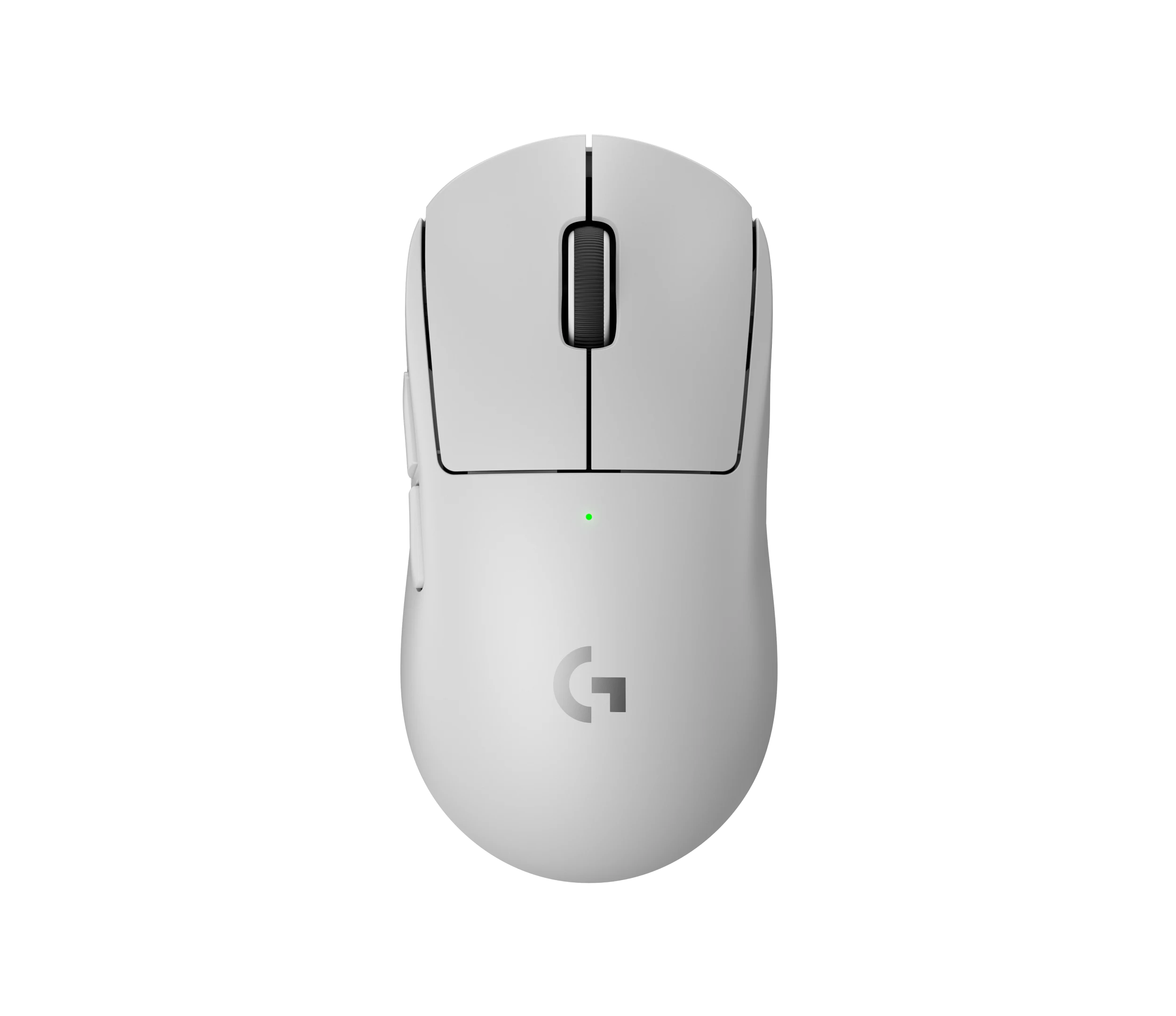
Logitech essentially created the blueprint for the modern safe shape with the original Superlight. It is affectionately known in the community as the “potato.” It is smooth, relatively featureless, and designed to accommodate almost any grip style without forcing your hand into a specific posture.
Razer took a different path with the Viper V3 Pro. They abandoned the flat, low-profile design of older Vipers, choosing instead to raise the hump and flare the sides. It is an evolved ergonomic approach tailored for a highly locked-in claw grip.
Check Our Mouse Pad Review Here: SteelSeries QcK Review (2026): Still the Gold Standard for Competitive Players?
Then there is the weight. Both mice sit comfortably in the 54g to 60g sweet spot. A few years ago, the industry was obsessed with a “lighter is always better” ultra-lightweight trend, resulting in flimsy mice covered in hexagonal holes that felt like they would shatter if you gripped them too hard. Mercifully, we have moved past that phase. The industry has finally landed on a sustainable balance of ultra-lightweight speed and structural integrity.
Ultimately, shape is entirely subjective. It is also the single most important factor in whether a mouse feels worth the money. You can have an 8K polling rate, but if the chassis gives your pinky a cramp after twenty minutes of play, your performance is going to suffer.
The Switch-Up: Clicks, Tactility, and Sound
Clicking a mouse is a deeply sensory experience. It needs to feel right, sound right, and register instantly.
Older mechanical switches were notorious for the dreaded “double-clicking” issue, where dust or mechanical wear would cause a single click to register twice. Both companies solved this, but in very different ways. Logitech opted for Lightforce hybrid optical-mechanical switches. They use light to register the input—eliminating the double-click issue entirely—but retain a mechanical component to provide physical sensation. They are trying to blend the speed of light with the satisfying, tactile crunch of a traditional switch.
Razer, meanwhile, focused purely on speed with their Gen-3 optical switches. They are incredibly fast, light, and hollow-sounding.
The nuance here comes down to tactile feedback. Logitech’s clicks feel deliberate, heavy, and loud. They are perfect for tactical FPS players who want every single shot to feel intentional. Razer’s clicks are lighter and more spam-able, which naturally appeals to MOBA players or anyone who prefers a softer actuation.
The Reality Check: The Monitor Bottleneck
If you are playing on a standard 60Hz or even a 144Hz monitor, you physically cannot see the micro-stutters that 4,000 Hz or 8,000 Hz polling rates are designed to fix. The frames just are not refreshing fast enough on your display to reflect the absurd amount of data your mouse is sending to your PC.
Furthermore, processing 8,000 inputs a second requires a high-end CPU. If you have an older rig, an 8K polling rate might actually cause your game to stutter.
This brings us to the harsh law of diminishing returns. Upgrading from a heavy, $20 office mouse to a solid $50 gaming mouse is a massive, game-changing leap. You will immediately play better. However, upgrading from a $50 gaming mouse to a $150 flagship model offers only incremental, marginal gains. You are effectively paying a premium for a 1% improvement.
Thousandtime Thoughts
Both the Razer Viper V3 Pro and the Logitech G Pro X Superlight 2 are engineering marvels. They represent the absolute pinnacle of current peripheral technology, refining elements we did not even know needed refining. But they are not magic wands.
You should buy the Viper V3 Pro or the Superlight 2 if you already have the hardware to support them: a high refresh rate monitor (240Hz or above), a beefy PC, and the disposable income to invest in premium craftsmanship. If you play competitively and want the psychological comfort of knowing your gear is never the reason you lost a gunfight, they are phenomenal investments.
However, you should hold off if you are gaming casually on a standard setup. Today’s budget-friendly clones and mid-tier options offer a vast majority of the performance for a fraction of the price. The “endgame” is ultimately a myth pushed by a culture obsessed with optimization.
Are you willing to pay the premium for that extra 1% of performance, or are the budget kings taking over your desk setup? Drop your current main mouse in the comments below, or let me know if you would like me to recommend a budget-friendly alternative tailored to your specific grip style.
PRODUCT IN THIS POST
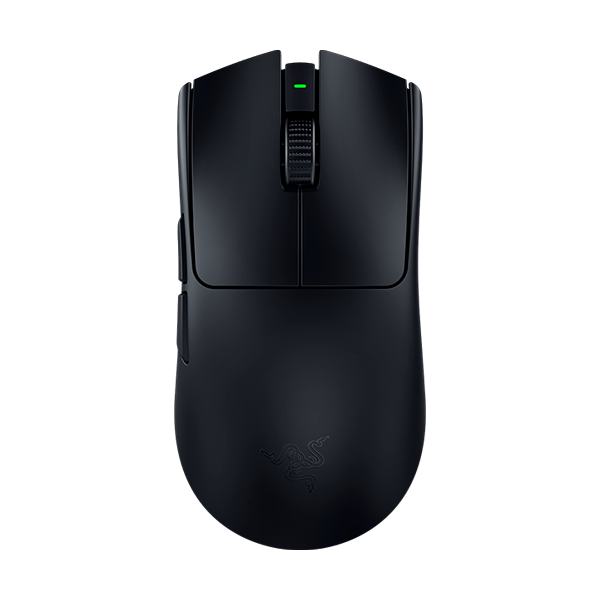
Razer Viper V3 Pro