You built the perfect living room handheld setup, but a standard Xbox gamepad locks you out of your system menus. Here is how ASUS quietly solved the biggest friction point in couch-PC gaming.
You’ve just spent forty minutes curating the perfect docked setup. Your ASUS ROG Ally is nestled into a sleek dock, an HDMI cable is piping pristine 4K directly into your LG OLED, and you’ve finally collapsed onto the couch. You press the Xbox button on your standard controller. Steam Big Picture mode boots up. Everything is glorious.
Then, you launch Cyberpunk 2077 and realize your Ally is still set to its 15W battery-saving profile. The frame rate is crawling. In a normal console environment, you would press the home button and make an adjustment. But this is Windows 11. To change your TDP profile, you need to open the Ally’s Command Center. And your standard Bluetooth controller? It has absolutely no idea how to do that. So, you heave yourself off the couch, walk over to the TV, poke the 7-inch screen with your index finger, change the setting, and sit back down. Fifteen minutes later, a game crashes, and you have to do it all again.
Finding the best controller for docked ROG Ally setups isn’t just about ergonomics or polling rates. It is about closing the software loop. Handheld gaming PCs are spectacular pieces of engineering, but they rely on dedicated hardware buttons to function properly. Without them, your living room dream quickly turns into a frustrating tech support session.
The Couch Friction: Why Standard Xbox Controllers Fall Short
There is a fundamental misunderstanding about what makes a console feel like a console. It is not the operating system, and it is not the graphics. It is the ten-foot user interface.
When you use a handheld PC undocked, the experience is largely seamless because hardware manufacturers build specific macro buttons into the face of the device. On the ROG Ally, you have one for the Command Center (to adjust power, resolution, and brightness on the fly) and one for Armoury Crate SE (to launch games and tweak controls). These buttons are the duct tape holding the “console illusion” together over the messy reality of a desktop OS.
The moment you dock the Ally and switch to a standard Xbox Series or PlayStation DualSense controller, that duct tape is ripped off. Generic gamepads can play the games, but they cannot control the system.
Currently, players resort to comically awkward workarounds. Some keep a wireless media keyboard on the coffee table just to hit Alt+Ctrl+Del when a game freezes. Others dive into Byzantine Steam Input mapping sessions, trying to bind the Command Center shortcut to a long-press of the select button—a solution that works perfectly right up until Steam crashes in the background, rendering the shortcut useless. A handheld is not a true home console until you can control the entire OS from ten feet away. Until recently, you simply couldn’t.
The Raikiri II Solution: Dedicated Buttons and No Bloatware
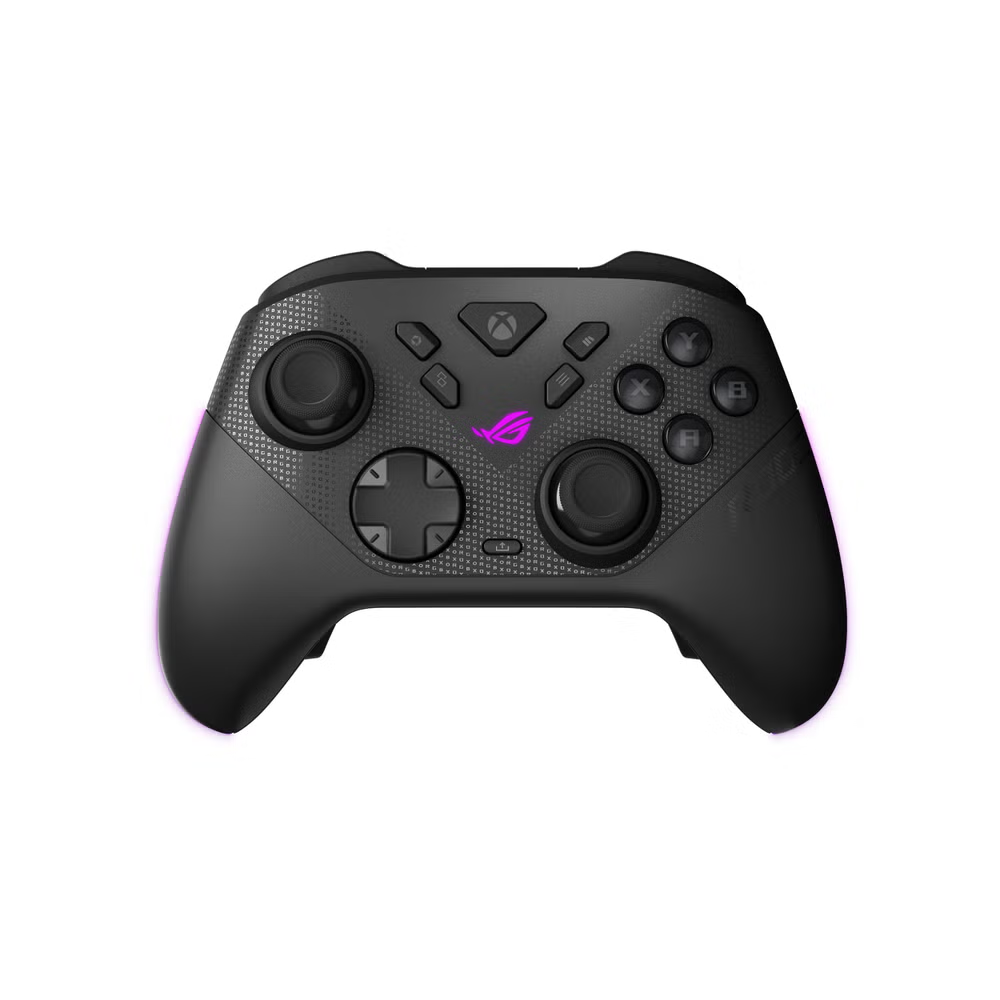
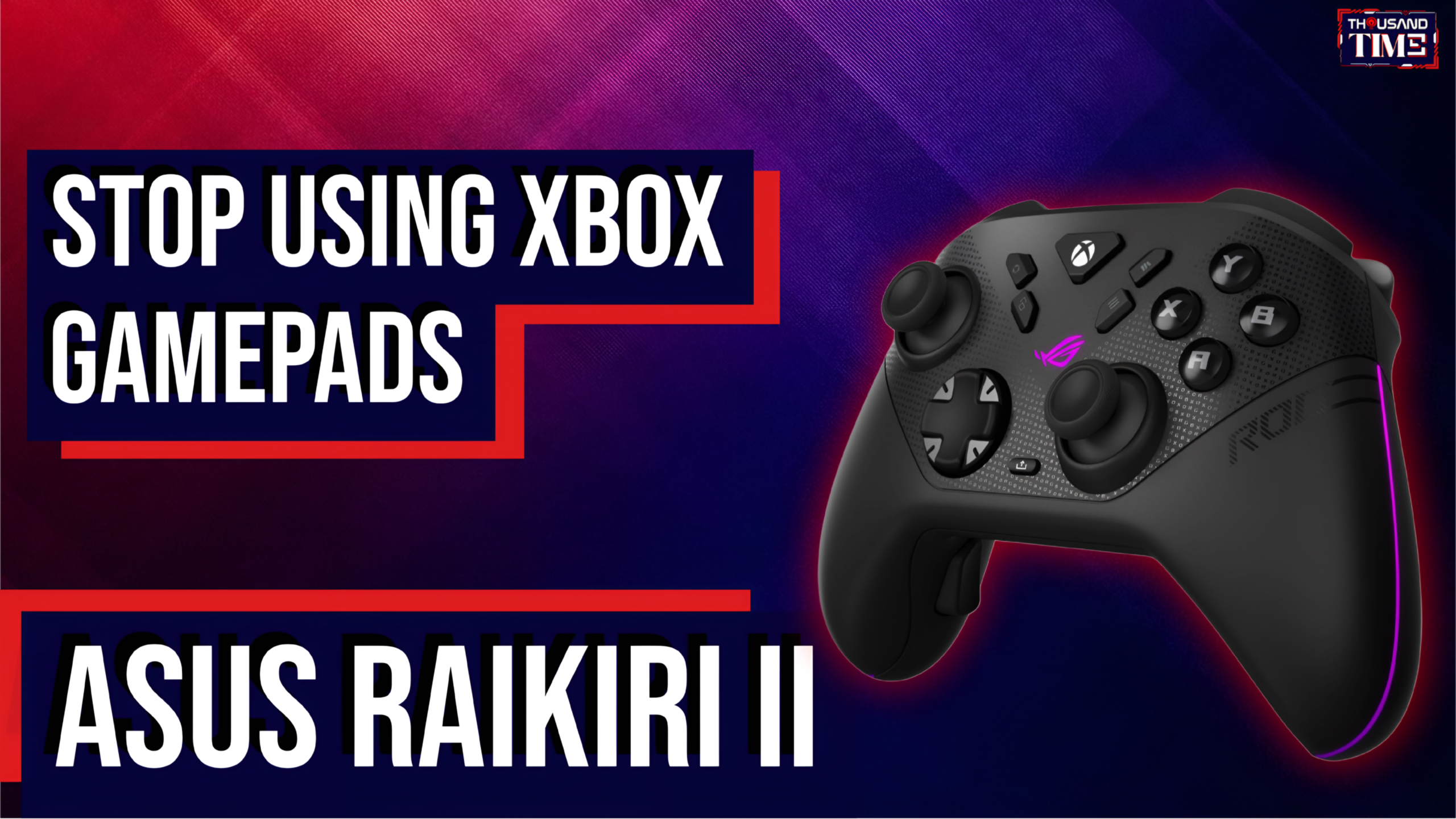
Enter the ASUS ROG Raikiri II. At first glance, it looks like just another premium, RGB-soaked gamepad vying for your disposable income. But look closely at the faceplate. Sitting right where they belong are two extra buttons specifically mapped to the ROG Ally’s Command Center and Armoury Crate SE.
It is a simple addition that completely transforms the docked experience. Suddenly, you aren’t getting up to touch the screen. You aren’t wrestling with a trackpad. You just press the button on your controller, the overlay slides out on your TV, you switch your TDP from 15W to 30W, and you go back to playing. It is the missing hardware link that bridges the handheld and the living room.
But the Raikiri II is more than just a glorified remote control. ASUS packed this peripheral with legitimately high-end internals:
➤ Anti-Drift TMR Joysticks: Tunnel Magnetoresistance (TMR) is an emerging technology that rivals Hall Effect sensors. TMR sticks offer the same magnetic, drift-free longevity as Hall Effect but draw significantly less power while providing superior precision. When you are paying over $100 for a controller, stick drift should not be a concern, and TMR ensures it isn’t.
➤ Dual-Mode Triggers: A physical toggle switch lets you move from a full-travel analog pull (ideal for racing games) to a hyper-fast micro-switch click (perfect for shooters).
➤ 1000Hz Polling Rate: When connected via its 2.4GHz dongle or wired on PC, the latency drops to a competitive ultra-low threshold, massively outperforming the standard 250Hz Bluetooth connection of generic pads.
Perhaps the most surprising triumph of the Raikiri II, however, is a feature of omission. To customize the controller’s deadzones, triggers, and rear paddle mappings, you do not have to install the heavy, resource-draining desktop version of Armoury Crate. Instead, ASUS launched “Gear Link,” a lightweight web configurator. You plug the dongle into your PC, open a web browser, and tweak your settings directly. For anyone who has ever battled motherboard software just to turn down the brightness of an LED, Gear Link is a breath of fresh air.
Raikiri II vs. Xbox Elite Series 2 vs. DualSense Edge
If you are investing in a premium couch setup, the Raikiri II naturally begs comparison with the market’s heavyweights. Each controller serves a slightly different master, but the differences in underlying technology are stark.
| Feature | ASUS ROG Raikiri II | Xbox Elite Series 2 | Sony DualSense Edge |
| System Shortcuts | Yes (Armoury Crate / Command Center) | No | No |
| Joysticks | Anti-drift TMR | Potentiometer (Prone to drift) | Potentiometer (Replaceable modules) |
| Polling Rate (PC) | 1000Hz (2.4GHz / Wired) | 250Hz | ~1000Hz (Requires 3rd-party tools) |
| Triggers | Dual-Mode (Analog & Micro-switch) | Adjustable throw length | Adjustable throw & Adaptive Force |
| Best For… | Docked ROG Ally & PC power users | Pure Xbox console traditionalists | PS5 owners who play occasional PC titles |
The Xbox Elite Series 2 remains the king of sheer build quality. The weight, the tension-adjustable sticks, and the satisfying cold metal of its paddles are unmatched. But it is running on aging potentiometer technology, and crucially, it leaves you helpless when Windows throws a tantrum on your TV.
The DualSense Edge offers unparalleled haptics and the luxury of simply swapping out a stick module if it ever drifts. Yet, getting PlayStation controllers to play nicely with non-Steam Windows games can still be a headache, requiring extra translation software just to interpret the inputs.
The Raikiri II does not have the heavy luxury feel of the Elite, nor the nuanced voice-coil rumble of the Edge. But for the very specific, rapidly growing demographic of PC handheld owners, it is the only controller that actually understands the assignment. It bridges the gap between the game you are playing and the machine running it
Thousandtime Thoughts
The friction we experience when docking a handheld PC is a symptom of a much larger transition. The line between the “PC” and the “Console” has been blurring for a decade, but devices like the ROG Ally have finally erased it entirely. The only thing left behind are the ghosts of an operating system originally designed for a mouse and keyboard.
As hardware makers begin creating peripheral solutions—like the dedicated shortcut buttons on the Raikiri II—the messy Windows core underneath is finally disappearing into a seamless, living-room-ready experience. We are watching the PC gaming industry learn, in real-time, the lessons that Nintendo and Sony mastered thirty years ago: the interface is the product.
The question going forward is whether this accessibility remains a premium peripheral tax. Will Microsoft eventually recognize the handheld PC boom and build these dedicated navigation buttons into the standard $60 Xbox controller, or will true couch convenience remain locked behind a $150 paywall? For now, the Raikiri II is the price of admission to the future.
PRODUCT IN THIS POST